
Professional invoices in 30 seconds.
Pick your client, add a couple of lines, and share a clean PDF straight to WhatsApp or email. Works offline. Free and unlimited.
No account to start No card No ads
Built for people who fix, install and service things.
Not for accountants. Invoice Local does the paperwork so you can get back to the job.
Works offline
Create an invoice in a basement or on a rooftop with no signal. It syncs later, on its own.
How offline first works →Send in one tap
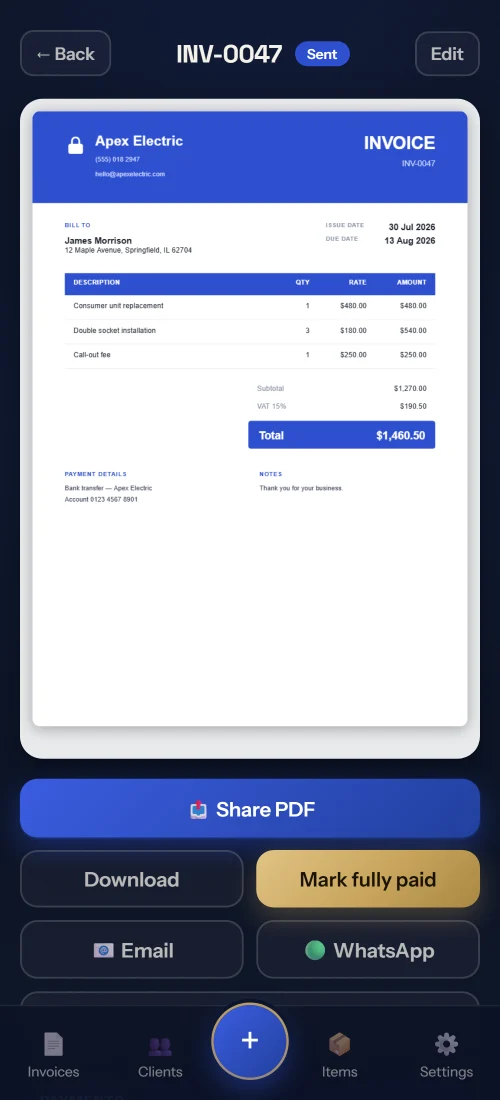
Share a professional PDF straight to WhatsApp or email, with a polished message written for you.
Invoicing on WhatsApp →Six clean templates
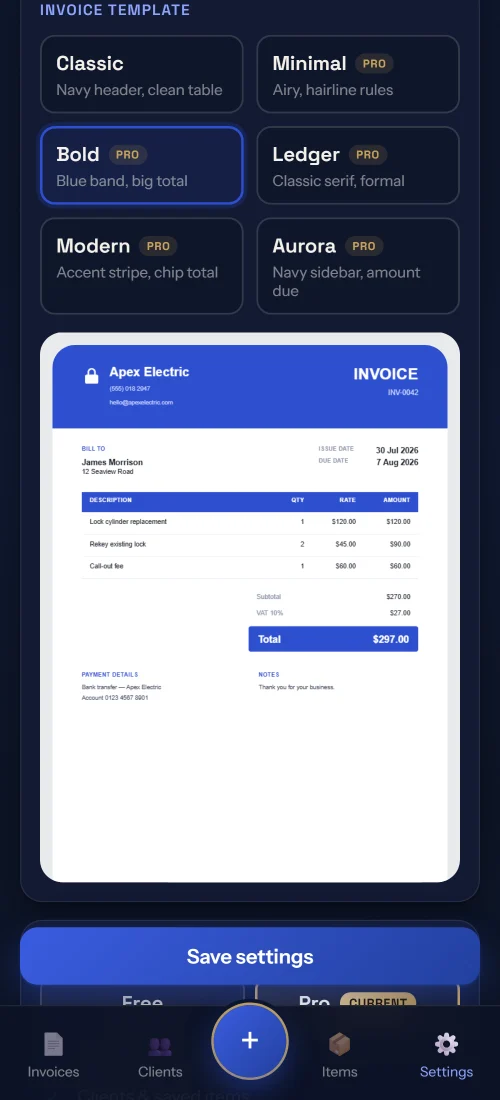
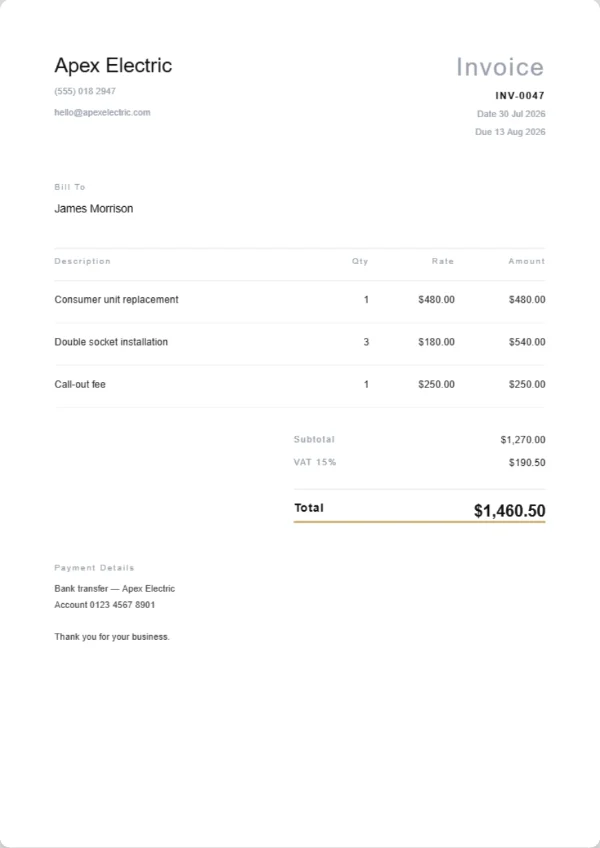
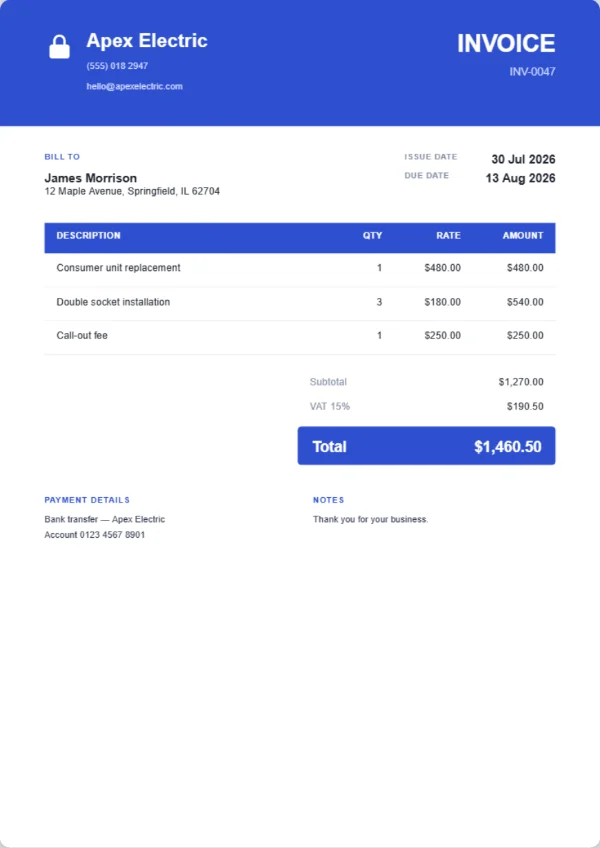
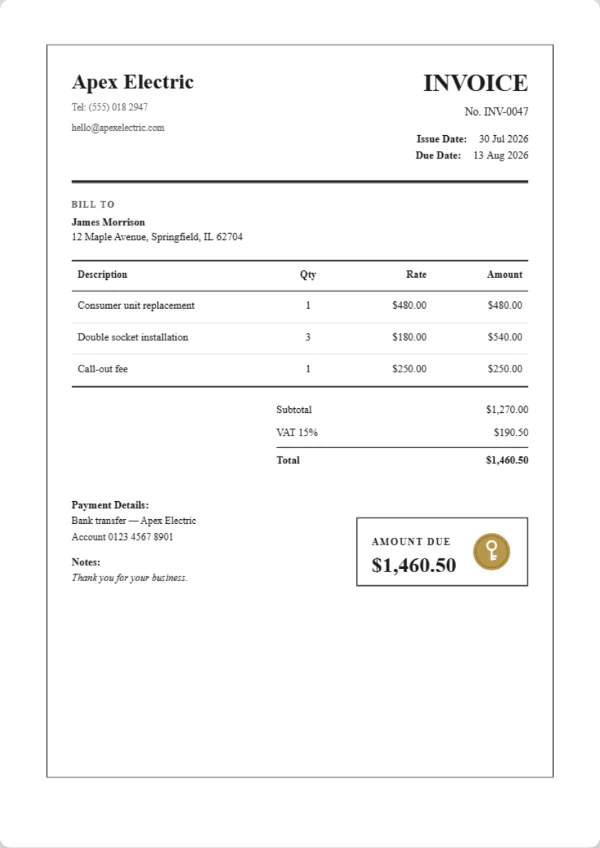
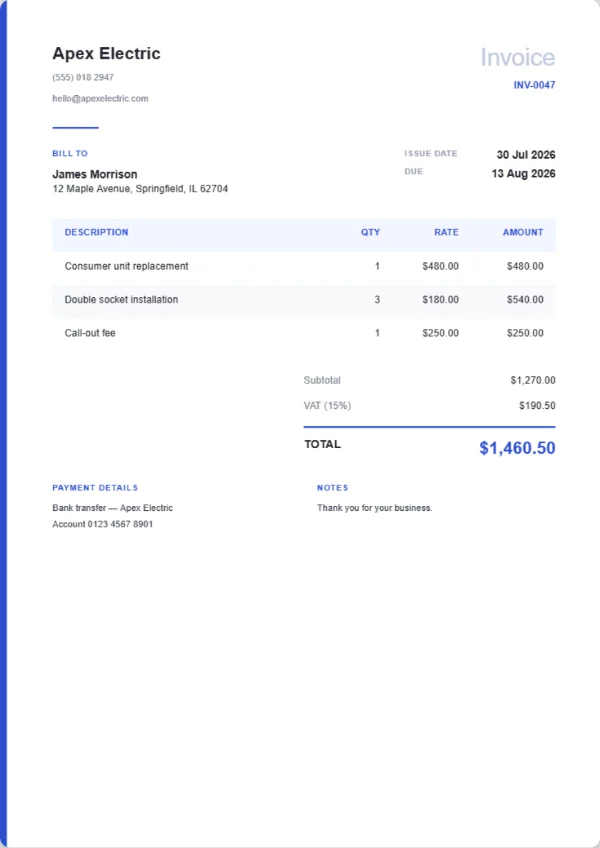
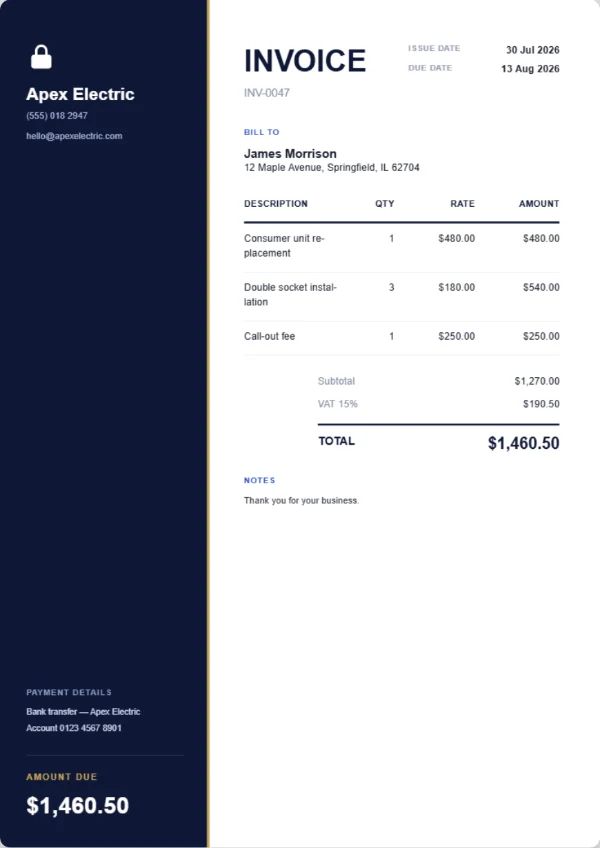
From a restrained classic to a bold header, a formal ledger or a sidebar layout.
See the designs →Track who paid
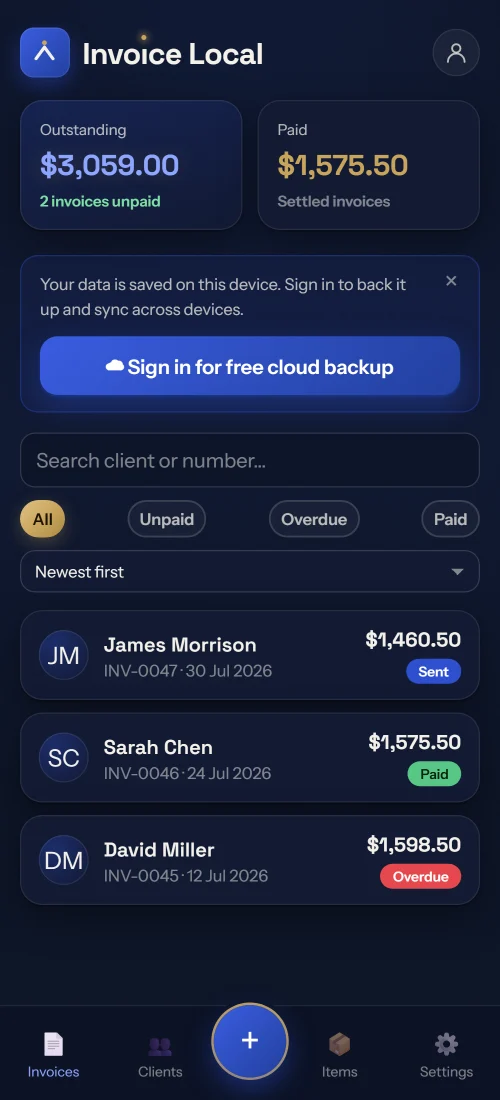
See paid, unpaid and overdue at a glance. Record part payments and let the balance update itself.
Chasing late payment →Saved clients and items
Never retype your call out fee or a client address again. Reuse them in seconds.
How your trade bills →Invoices and quotes
Send a quote, then turn it into an invoice with one tap when the job is won.
Quote, estimate or invoice →Every trade bills differently.
A plumber bills a call out fee, a cleaner bills a recurring visit, a roofer bills what was found once the old covering came off. Each page below is written around one trade.
Six invoice designs. Pick your look.
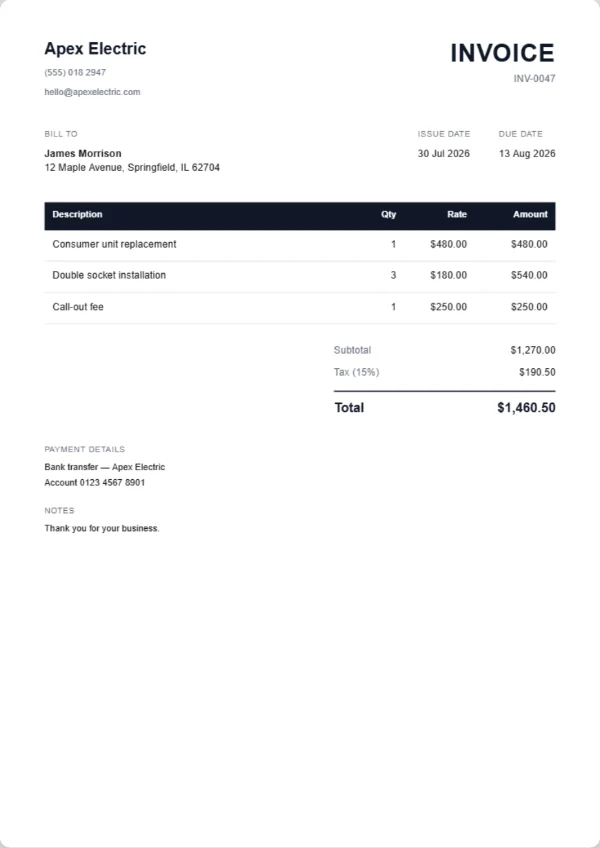
Every template is a clean, print ready PDF with your bank details and totals, in your chosen language. Free prints your business name as the letterhead; Pro prints your logo. See them all up close.
Know exactly who owes you.
Your dashboard shows outstanding against paid at a glance. Record part payments, mark invoices paid, and chase the overdue ones before they slip.
- Outstanding and paid totals up top
- Paid, unpaid and overdue badges
- Part payments with an automatic balance
- Search and filter every invoice
Reading the list is the easy part. Chasing an unpaid invoice covers what to actually send, and getting paid faster ranks the levers by how much they move.
Open your dashboard →Three taps to paid.
Set up once
Add your business name and it heads every invoice from then on, with your own logo in its place on Pro.
Build the invoice
Pick a saved client, add your lines, choose invoice or quote. Done in half a minute.
Send and get paid
Share the PDF to WhatsApp or email, then track it until it is marked paid.
The paperwork, explained without the padding.
Every Invoice Local guide answers its question in the first two sentences, says where the rule depends on your country, and stops when the useful part is finished.
Free for real. Pro when you want more.
No invoice caps on the free plan, and nothing you have already created is ever locked behind an upgrade.
Free
- Unlimited invoices and quotes
- Unlimited clients and saved items
- WhatsApp and email sending
- Works offline, on your device
- Cloud backup and sync, with a free account
- Classic template, small watermark
- Your business name as the letterhead
Pro
or $29.99 a year, which works out at $2.50 a month
- Everything in Free
- All six invoice designs
- No watermark on your PDFs
- Your own logo on every invoice
- Cancel any time in Google Play
Pilot Local website customers get Pro at no cost. Full pricing detail, billing and cancellation →
On your phone or in the browser.
Questions, answered.
Is it really free?
Yes. Unlimited invoices and quotes are free forever, saved on your device, with no monthly cap. Pro is $4.99 a month or $29.99 a year and adds five more invoice designs, removes the small watermark and puts your own logo on the invoice. Cloud backup and sync are free with an account, not part of Pro. The pricing page sets out exactly what differs.
Do I need an account?
No. Start using it straight away with no sign up, because your data lives on the device. Create a free account only if you want cloud backup and sync across devices. Where your data lives explains what changes when you do.
Does it work without internet?
Completely. Build invoices on site with no signal. Everything is stored on your phone and syncs later if you have signed in. The offline page lists exactly what still works in airplane mode.
How do customers get the invoice?
One tap sends a clean PDF to WhatsApp or email with a professional message already written. Sending on WhatsApp covers why a PDF beats a screenshot and when to use email instead.
What does it not do?
No card payments, no accounting or bank reconciliation, no automatic recurring billing, no import tool and no iPhone app yet. The comparison pages say plainly which product to choose instead when one of those matters.
Which languages does it support?
The app and the invoice PDF both work in twelve languages, including English, Turkish, Spanish, French, Portuguese and German.
Your next invoice takes 30 seconds.
Join the trades who stopped fighting spreadsheets and got paid faster.