
A free invoice template, and a faster way to skip templates entirely
Copy the structure below into whatever you already use, or make the same invoice as a finished PDF in about thirty seconds. Either way there is nothing to download and no email address to hand over first.
Nothing to download No email required
The template, in plain text
This is the structure of a valid invoice with nothing decorative in it, the same set of fields Invoice Local fills in for you. Copy it into a document, a notes app or an email and replace the parts in capitals. Every line below exists for a reason, and the guide on how to write an invoice explains what each one does.
INVOICE

YOUR BUSINESS NAME
Street, City, Postcode
Phone   ·   email@yourbusiness.com
Licence or registration number

Bill to:
CUSTOMER NAME
Customer address
Work carried out at: SITE ADDRESS (if different)

Invoice number:  1001
Invoice date:    4 August 2026
Due date:        18 August 2026
Terms:           Net 14
Reference / PO:  (if the customer uses one)

-------------------------------------------------------
DESCRIPTION                         QTY   RATE    AMOUNT
-------------------------------------------------------
Describe the work, not the category   1   000.00   000.00
Materials, named and counted          2    00.00    00.00
Call out or minimum charge            1    00.00    00.00
-------------------------------------------------------
                             Subtotal            000.00
                             Tax at 0%             0.00
                             Deposit paid         -0.00
                             TOTAL DUE           000.00
-------------------------------------------------------

How to pay
Bank:            YOUR BANK
Account name:    YOUR BUSINESS NAME
Account number:  00000000
Sort or routing: 000000
Please quote invoice 1001 as the payment reference.

Thank you for the work.
Work out the due date, then write the actual date
The single most common weakness on a small business invoice is a due date written as words instead of a date. Nobody diaries the phrase due on receipt. Pick your invoice date and your terms below, then put the result on the document. More on choosing terms is in the guide to payment terms.
Pick a date to see the due date.
Filling it in without leaving anything out
Four passes through the template and it is finished. The order matters, because the parts people forget are always at the end.
- Your details, onceBusiness name, contact, and any licence number your trade requires. Save this so you never type it again.
- Who and whereThe customer who owes the money, and the property the work happened at if it is a different address.
- The work, line by lineOne line per thing you are charging for, each with a quantity and a rate. Split labor from materials.
- Numbers and how to payInvoice number, issue date, real due date, totals, then bank details and a payment reference.
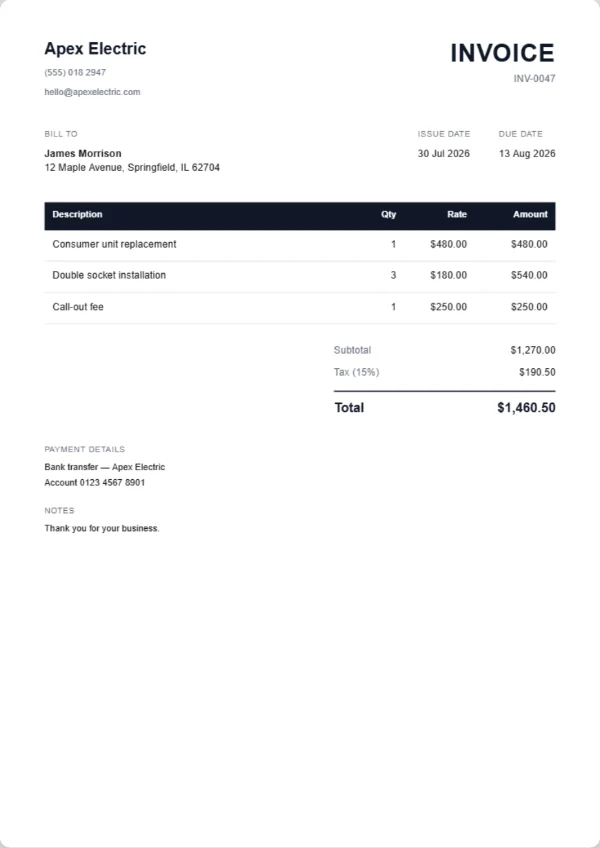
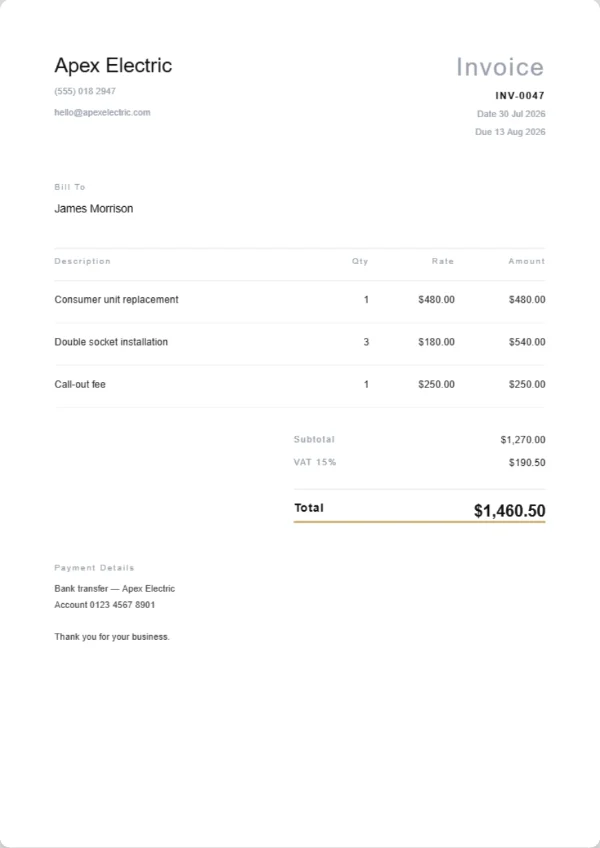
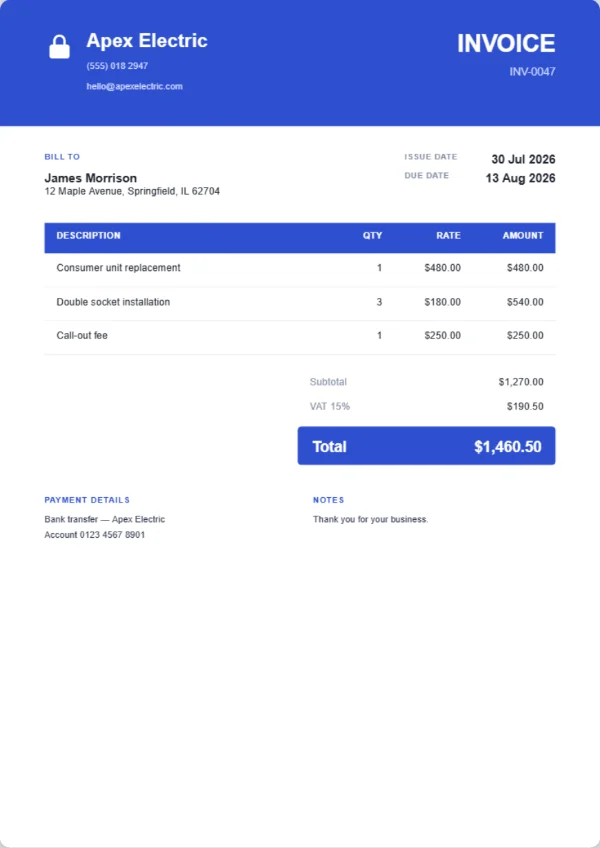
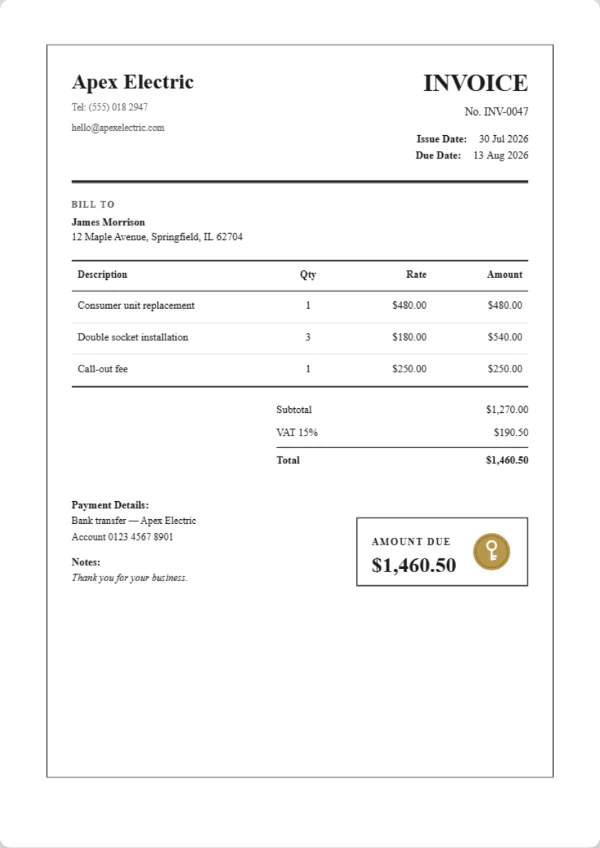
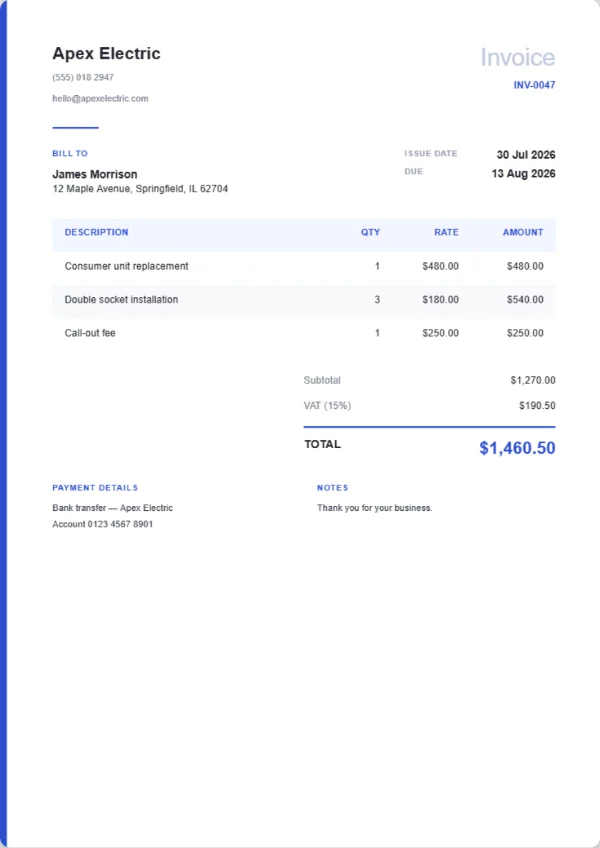
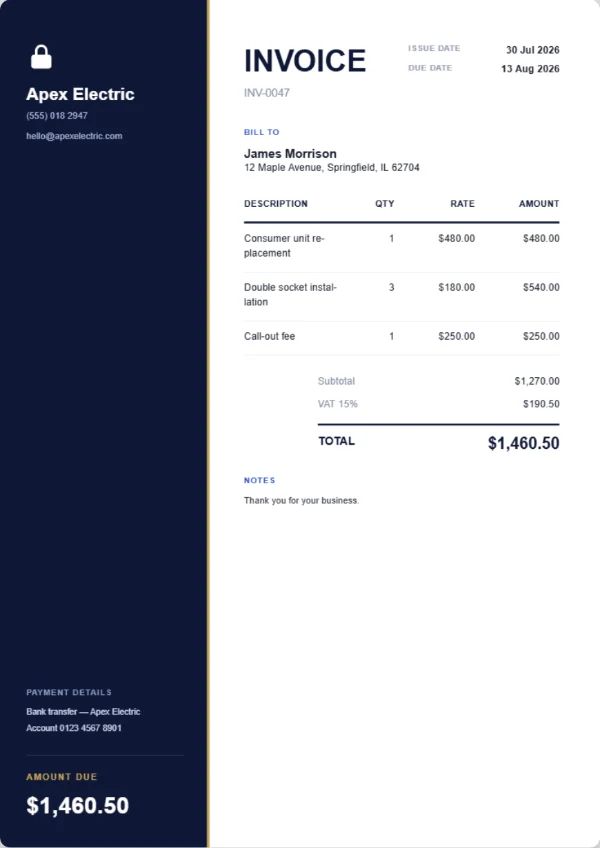
The six designs the app prints
If you would rather not maintain a template at all, these are the finished PDFs Invoice Local produces from the same information. Classic is free. The other five are part of Pro, which costs $4.99 a month or $29.99 a year.
The parts people leave off, and regret
Every one of these turns up in unpaid invoices far more often than a genuine dispute does.
- A unique invoice number, never reused and never deliberately skipped
- A real due date rather than the words due on receipt
- The purchase order or reference number where the customer uses one
- Bank details on the document itself, not only in the email body
- Quantities on every line, so no figure looks like it was guessed
- The word invoice at the top, so it is not filed as a quote
The same template, already filled in for your trade
Each one is a two page PDF: a worked example for that trade as a finished document, then the same sheet blank with the line descriptions that trade actually uses and the amounts left empty. Free, no sign up.
- Electrician invoice template
- Plumbing invoice template
- Locksmith invoice template
- HVAC invoice template
- Cleaning invoice template
- Landscaping invoice template
- Handyman invoice template
- Mobile mechanic invoice template
- Painting and decorating invoice template
- Roofing invoice template
- Pest control invoice template
- Appliance repair invoice template
- Carpet cleaning invoice template
- Pool service invoice template
- Tiling invoice template
- Tree surgeon invoice template
- Window cleaning invoice template
- Flooring invoice template
- Towing invoice template
- Fencing invoice template
- Photography invoice template
- Personal trainer invoice template
- Mobile detailing invoice template
Questions about the template
Is there a Word or Excel file to download?
No, deliberately. Template downloads exist mostly to collect an email address, and a document that reformats itself on another machine is not doing you any favours. Copy the plain text above into whatever you already have, or use the app and get a proper PDF without maintaining a template at all.
Can I use this template commercially?
Yes. Copy it, change it, use it for your own invoicing as much as you like. There is nothing to attribute and no licence attached.
Does the due date calculator send anything anywhere?
No. It runs in your browser, the calculation never leaves the page, and there is nothing stored or transmitted. Reload the page and it forgets everything.
Do I need to add tax?
Only if you are registered for a sales tax such as VAT or GST, in which case it goes on as its own line with your registration number. Registration rules differ by country, so confirm your own position with an accountant rather than copying what another business does.
What is the fastest way to send this to a customer?
A PDF, by whichever channel they answer on. Email is the default for companies because it lands where their filing happens, and WhatsApp is usually faster for domestic customers. In the app both are one tap, with the message already written.
Related reading
A template is a starting point, not a system
The app fills in the number, the dates and the totals for you, then sends the PDF from your phone. Free forever for unlimited invoices and quotes.